Say and think bubbles
Make a comic-style bubble appear above your Woka, to say something to the people around you without using the chat.
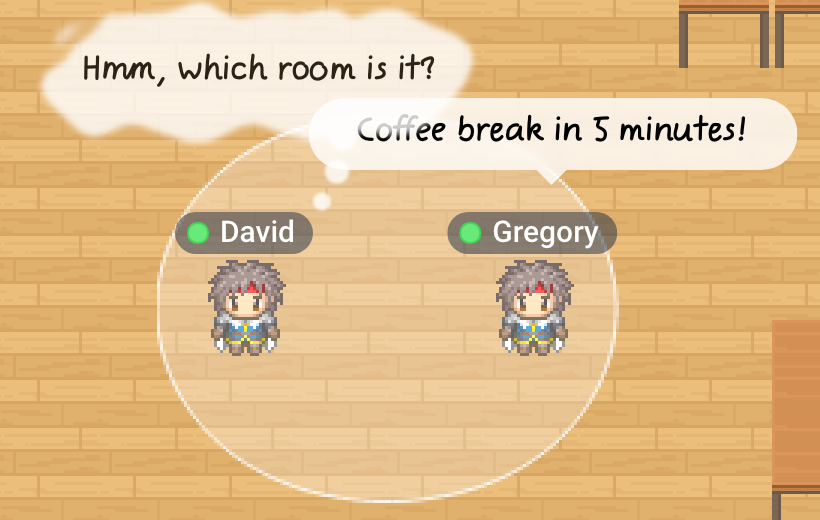
Writing a bubble
- Press Enter to open a Say bubble, or Ctrl + Enter to open a Think bubble (Ctrl on a Mac too, not Cmd).
- Or click the emoji button in the action bar, then Say or Think.
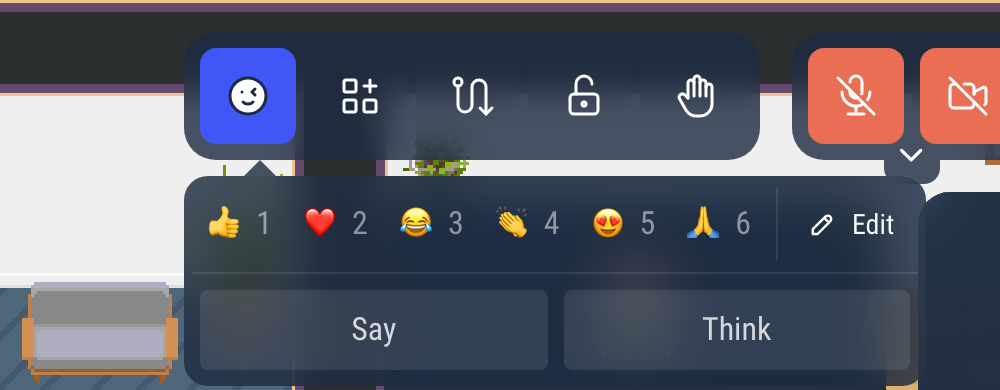
Type your text (up to 100 characters), then press Enter. You can switch between Say and Think in the list next to the text. Escape closes the window without sending.

Say or think
- Say: the bubble stays 5 seconds.
- Think: the cloud stays until you move.
A new bubble replaces the previous one. Everyone who can see your Woka sees it.
Your status can override the shortcut: the window opens on Think when you are Busy, Back in a moment or Do not disturb (see Your availability status), and on Say in a meeting or on a podium. You can still change it in the list.
The bubbles can be turned off for a whole world: Enable comics-like bubbles, in the Chat & User List section of the world settings in the admin (premium worlds).
On a self-hosted server, ENABLE_SAY=false turns them off on every map.