Jitsi meeting property
On your map, you can define special zones where a Jitsi meeting will be opened when a user enters the area.
Setting Jitsi meeting area
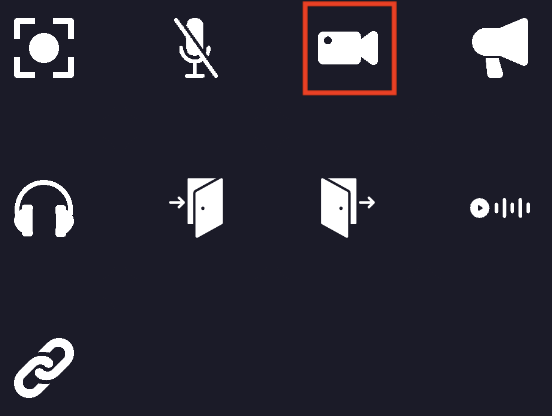
When editing an area, you can add the Jitsi meeting property to it. You must click on the "Jitsi meeting" icon.
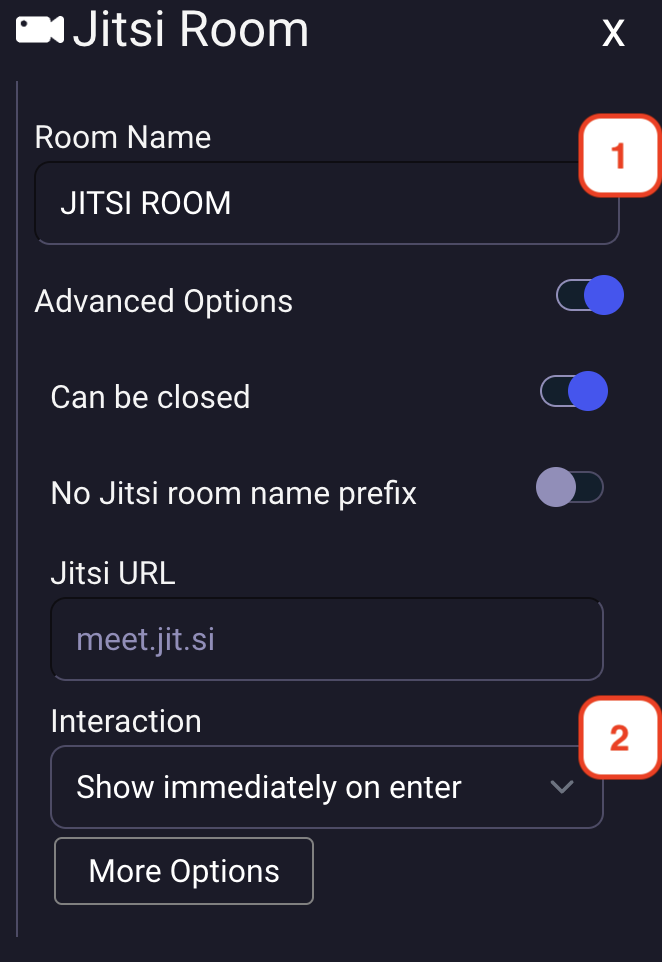
- You must define a name for the Jitsi meeting room.
- You can choose the way the action is triggered:
- Show immediately on enter
- Start as minimized in bottom bar
- Show action toast with message