Play sound property
On your map, you can define special zones where a sound will be played when a user enters the area. Also, you can define an entity that will trigger a sound.
Setting play sound area
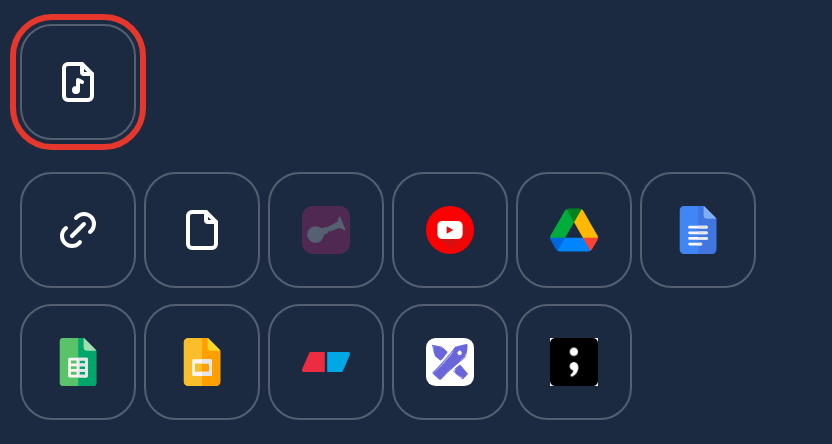
When editing an area or an entity, you can add the play sound property to it. You must click on the "play sound" icon.
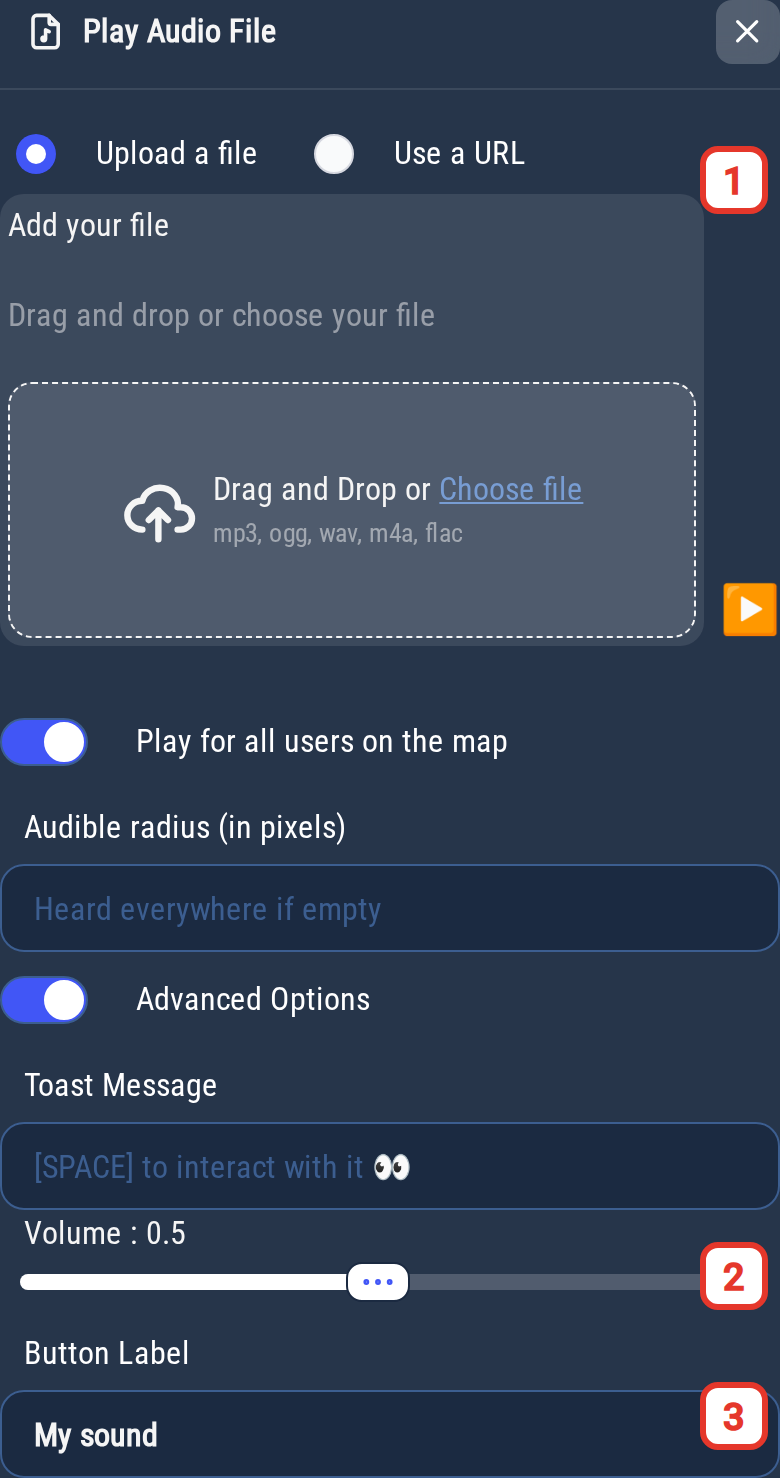
- Choose the sound: either upload an audio file (MP3, OGG, WAV, M4A or FLAC), or give the URL of a sound hosted elsewhere.
- You can define the volume of the sound. (0 to 1)
- You can define the label of the button that will be displayed to the user. (optional)
Uploaded sounds are stored with the map. Unlike files added with the "Open file" property, they are not protected by the area's access rights: anyone who has the link can download them.
Placeholders in the URL
The URL can contain placeholders, which are replaced when the sound is played:
| Placeholder | Replaced by |
|---|---|
{play_url} | The address of WorkAdventure, for instance https://play.workadventu.re |
{map_storage_url} | The address of the map storage of your world |
For instance, {play_url}/resources/objects/megaphone/megaphone1.mp3 plays a sound that ships with
WorkAdventure, whatever domain it runs on. A URL that is not absolute is relative to the URL of the map.